Creator · Developer tool
A repair should come with evidence.
An accessibility warning is only the beginning. FormProof connects browser findings to a proposed source repair, then checks what changed.
FormProof

The problem
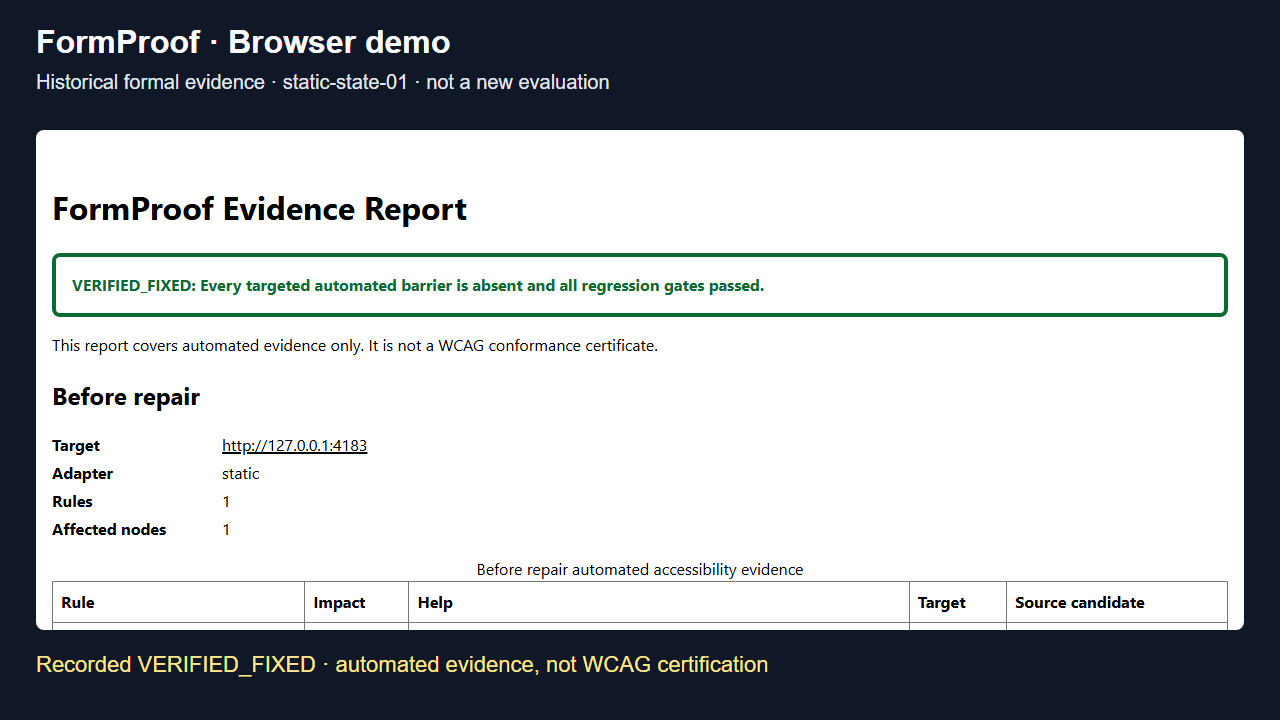
Developers can find accessibility warnings, but translating a rendered finding into a safe source edit is a separate problem. A plausible patch is not enough to show that behavior still works.
My contribution
I created FormProof to make that repair process inspectable: capture a baseline, identify source candidates, require human approval, and examine the result after an AI-assisted edit.
How the workflow connects
- Inspect
- Approve
- Repair
- Verify
Workflow overview—not an application screenshot.
Decisions behind the build
Evidence before edits
The CLI captures browser findings and maps rendered elements to likely source files, giving a repair a defined starting point.
Human approval at the boundary
Codex runs only after explicit approval, within a bounded workspace. The repair process retains a trajectory and before-and-after evidence.
Checks determine the outcome
A rescan and required regression command distinguish a verified automated fix, a blocked regression, and an outcome that still needs human review.
Where it stands
FormProof does not certify WCAG conformance. Its formal benchmark is infrastructure-limited; development examples are not a general success-rate claim.
Based on project documentation reviewed October 18, 2026.